Short answer: The best planner is the one you’ll actually use consistently. Digital planners offer search, reminders, and syncing across devices. Paper planners provide focus, tactile satisfaction, and no screen time. Many people succeed with a hybrid approach using both.
Key takeaways
- Paper planners boost memory and reduce screen fatigue.
- Digital planners excel at reminders, search, and syncing.
- Your choice depends on your work style and habits.
- A hybrid system can give you the best of both worlds.
- Start simple — pick one method and refine over time.
What you will find here
If you’re trying to get organized, you’ve probably faced this decision: digital planner or paper planner? Both have passionate fans and solid reasons. But the right choice depends on your habits, your work style, and what you’re trying to accomplish. In this guide, I’ll walk through the strengths and weaknesses of each, plus how to combine them if that’s more your speed.
Why This Decision Matters More Than You Think
Your planner is the command center of your day. It’s where you set intentions, track commitments, and review progress. A mismatch between your planning tool and your natural workflow creates friction. You’ll avoid using it, miss deadlines, or waste time managing the system instead of your work.
I’ve watched people buy beautiful paper planners only to abandon them by February. And I’ve seen others download a dozen productivity apps but open none of them. The key is understanding what each approach actually delivers.
Paper Planners: The Tangible Advantage
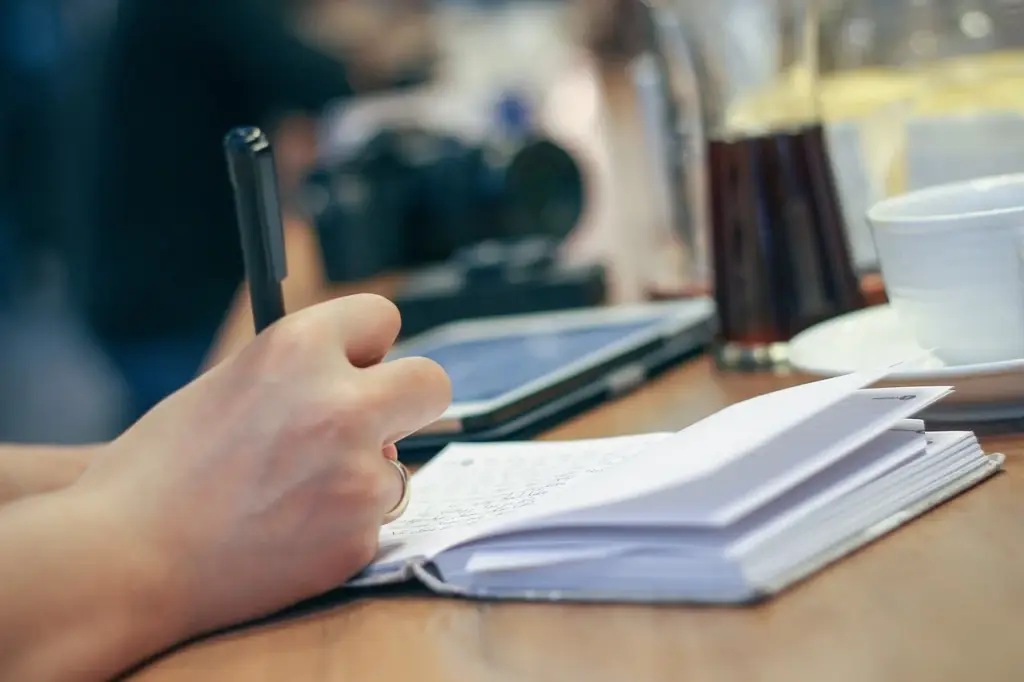
There’s a reason paper planners have been around for centuries. Writing by hand engages your brain differently than typing. Studies show handwriting improves memory and understanding. When you write a task down, you’re more likely to remember and actually do it.
Paper also gives you a break from screens. You’re probably staring at a screen right now — for work, for calls, for news. A paper planner offers a reprieve, a space where you can think without notifications or blue light. Many people find it easier to focus deeply when they’re not tempted to switch tabs.
Paper strengths:
- No battery, no WiFi needed
- Highly customizable (stickers, colors, layouts)
- Satisfying tactile experience
- Forces you to be intentional — no copy-paste
- No digital distractions
The downsides are real too. Paper plans can’t be searched unless you flip pages. You can’t set reminders or sync with your calendar. Changes mean erasing or scratching out. And if you lose your planner, you lose everything. Also, paper is less portable if you carry a lot of pages or a bulky binder. If your life involves frequent changes — client calls rescheduled, deadlines shifting — paper can become messy quickly.
Digital Planners: The Power of Flexibility
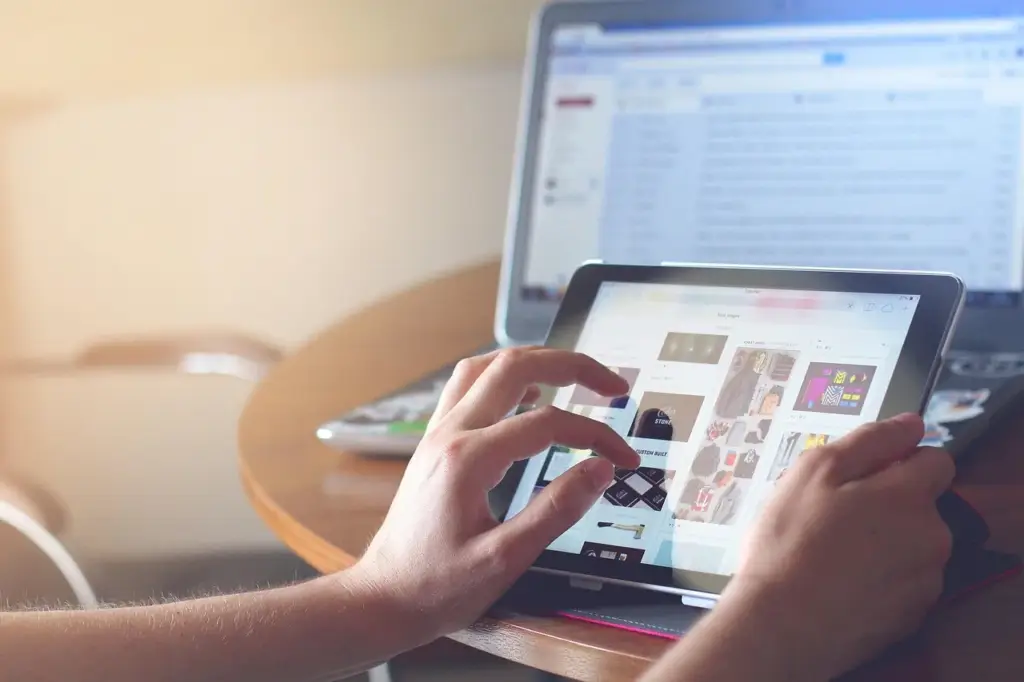
Digital planners — whether apps like Notion, Todoist, or specialized planner apps — offer features paper can’t match. You can set recurring tasks, get push reminders, search for any word instantly, and sync across all your devices. If you work on multiple computers or a phone and a tablet, digital is seamless.
Digital strengths:
- Instant search across all your notes
- Automated reminders and deadlines
- Easy to reorganize and edit
- Syncs across devices
- Can integrate with other tools like email and calendars
But digital comes with its own baggage. Distractions are one click away. You’ll be tempted to check social media or email. Battery life matters. And some apps have a learning curve. If you’re trying to reduce screen time, a digital planner might work against you. Also, if you lose your phone or your app crashes, you might lose access to your plans temporarily. Some people also find that digital planning feels less “committing” — it’s easier to delete a task than to cross it out, which can reduce accountability.
How to Decide: A Simple Framework
To choose, ask yourself three questions.
1. How much screen time do you want to reduce? If your goal is less screen time, go paper. If you’re already on devices all day, a digital planner may be more natural.
2. Do you need reminders and quick search? If you forget appointments, need alarms, or frequently search past notes, digital wins. If you rely on routines and don’t need reminders, paper can work fine.
3. What’s your editing style? Paper forces you to commit. Digital lets you change plans easily without mess. If you revise often, go digital. If you like finality, choose paper.
| Factor | Paper Planner | Digital Planner |
|---|---|---|
| Memory retention | Stronger | Weaker |
| Searchability | None | Instant |
| Distraction risk | Low | High |
| Portability | One book | All devices |
| Cost | One-time | Often subscription |
The Hybrid Approach: Use Both
You don’t have to pick just one. Many successful planners use a hybrid system. For example, use a paper planner for your daily tasks and weekly goals, then use a digital tool for project management, calendar events, and reminders.
Here’s a simple hybrid setup:
- Keep your paper planner on your desk for morning planning and daily review.
- Use a digital app (like Google Calendar or Todoist) for appointments, deadlines, and anything collaborative.
- Sync weekly: each Sunday, transfer upcoming digital events into your paper weekly spread.
This way, you get the focus of handwriting and the reliability of digital reminders. It also helps you avoid duplication. The key is to keep it simple — if you spend more time syncing than planning, trim the system.
Common Mistakes When Choosing a Planner
Mistake 1: Buying the most popular one. Just because a planner works for a YouTuber doesn’t mean it works for you. Consider your actual needs — size, layout, portability. A pocket-sized planner won’t fit a detailed project list.
Mistake 2: Switching too often. You need at least two weeks to test a planner. Give the method an honest try before jumping ship. Switching every few days teaches you nothing.
Mistake 3: Trying to plan everything. Don’t start with an elaborate system. A simple checklist is better than a complex setup you abandon. Build up gradually. Add one new tracking habit per week.
Mistake 4: Ignoring portability. If you’re always on the go, a heavy ring binder won’t work. A digital app on your phone might be better. Match the planner to your daily carry.
For a structured start to your day, pair your planner with a consistent morning routine. Read our guide on Morning Routine for Productive Days: A Step-by-Step Guide to anchor your planning habit.
Bottom Line
The best planner is the one you actually use. Don’t overthink this decision. Pick whichever method feels more natural — paper or digital — and commit to using it for a month. If it’s not working, adjust. You can always switch or combine. What matters is that you’re planning consistently, not what tool you’re using.
Frequently asked questions
Is a paper planner better than a digital planner for memory?
Yes, writing by hand generally improves memory retention compared to typing. The physical act of forming letters and the slower pace help encode information more deeply. However, digital planners with spaced repetition can also aid memory if used thoughtfully.
Can I use a digital planner without a subscription?
Yes, there are free digital planner options. Many apps like Google Calendar, Todoist, and Apple Reminders offer robust free tiers. Some paid apps have free versions with limited features. You can also use a PDF planner on a tablet with a note-taking app.
What is the best hybrid planner system?
A common hybrid system uses paper for daily tasks and weekly goals, and a digital calendar for appointments and deadlines. You can also keep long-term projects in a digital tool and your daily to-do list on paper. The key is avoiding duplication.
How often should I review my planner?
For best results, do a quick daily review (morning and evening) and a longer weekly review. In the daily review, update tasks and note any changes. The weekly review helps you plan the upcoming week and reflect on progress.
Which planner type is more portable?
Digital planners are inherently more portable because they sync across all your devices. Paper planners are portable in a different way — you can carry one small notebook without needing a screen or battery. It depends on whether you prefer lightweight or always-accessible.
One thought on “Digital vs Paper Planner: Which One Should You Choose?”